Welcome to Webull 11.0
Watchlist
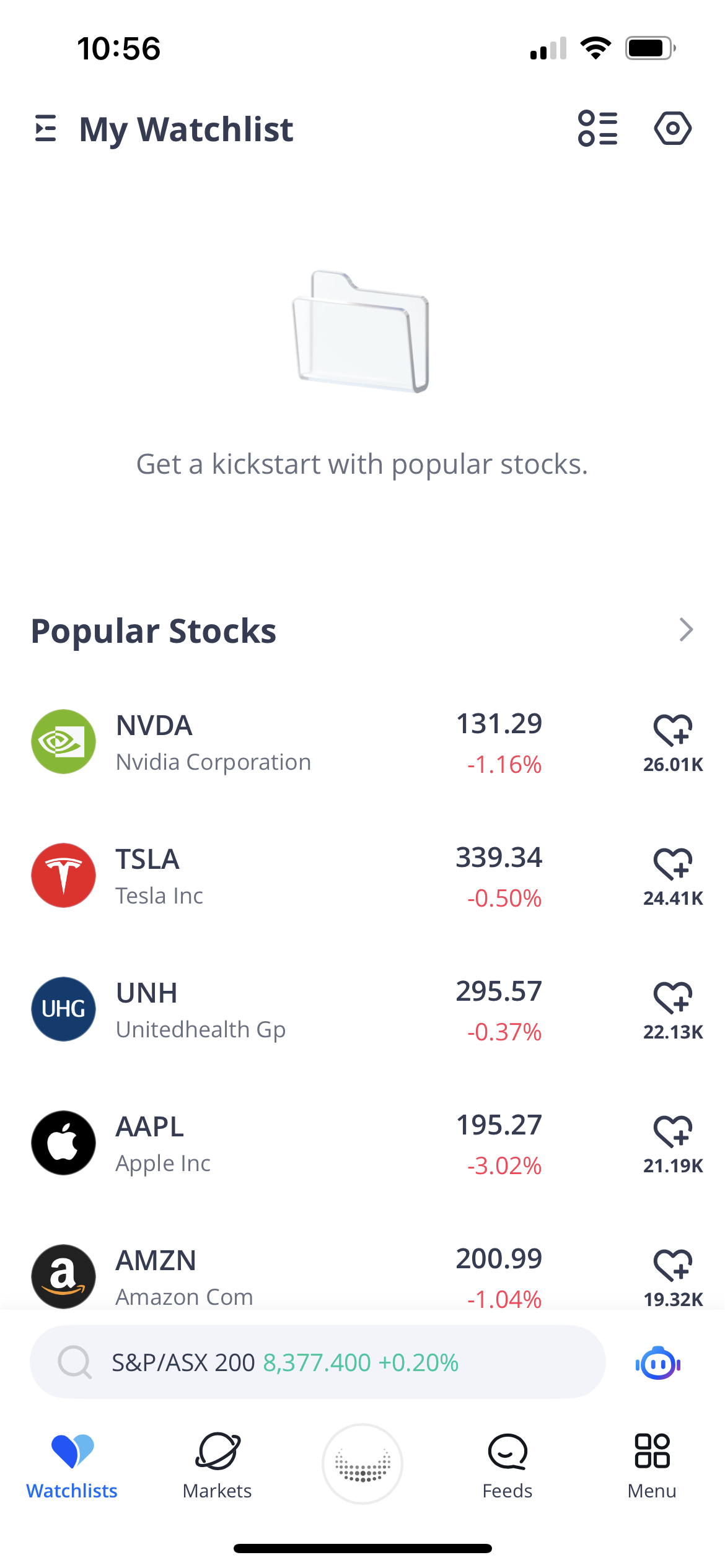
If your watchlist is empty, we will suggest a list of five stocks that you can add with a single click. This ‘quick pickup’ feature is a great way to kickstart your own Watchlist by providing some popular companies that other Webull investors are looking at.
Feeds
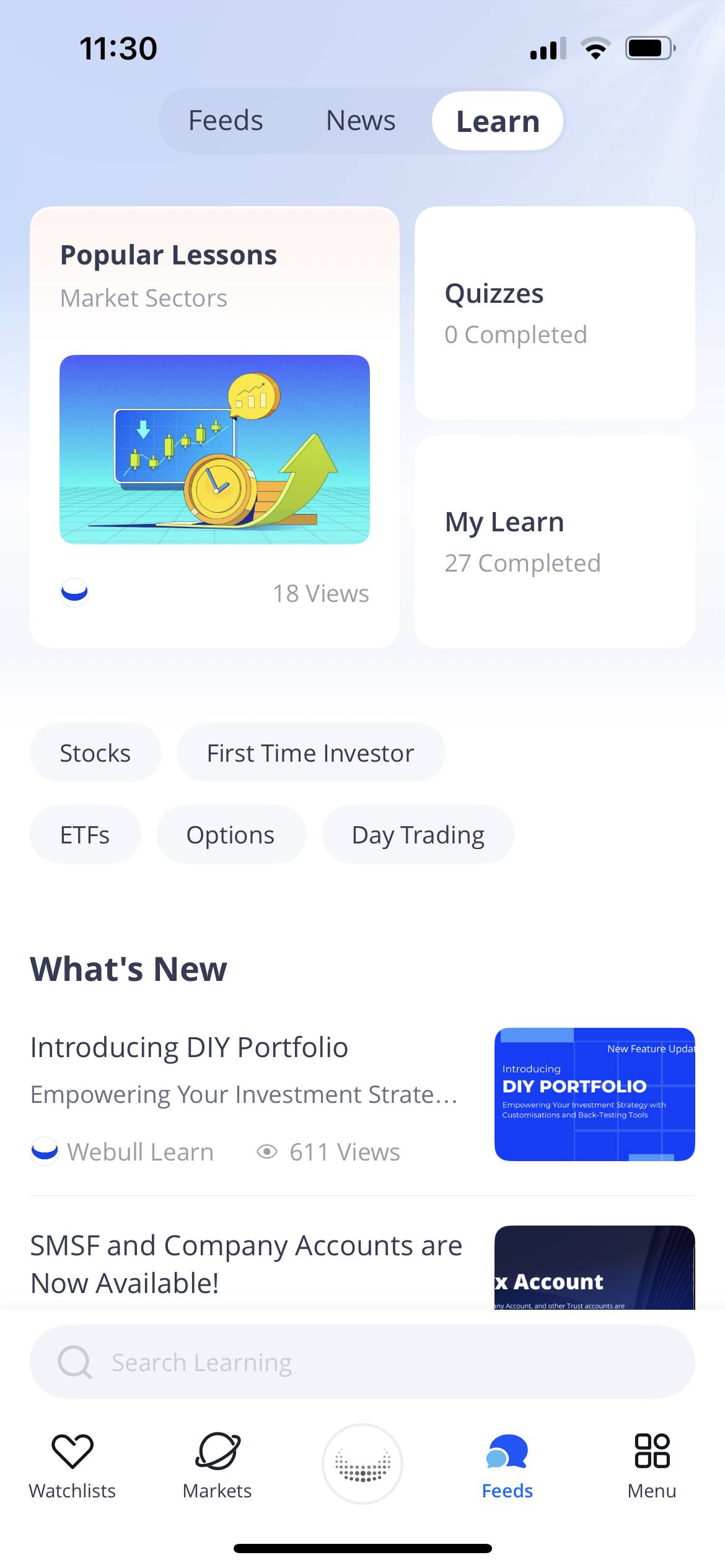
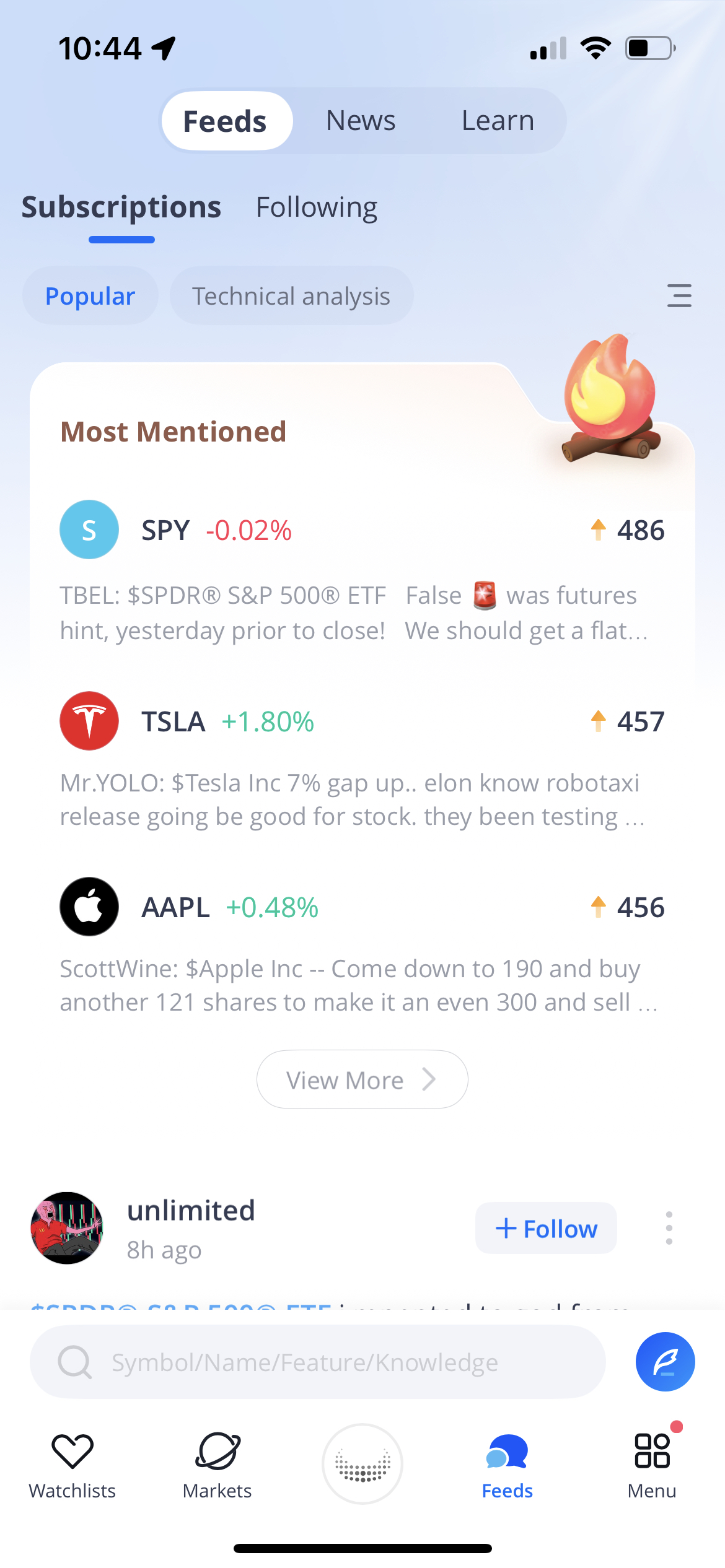
Our Feeds section also has a fresh new look! With a brand-new UI, we have made it much simpler to navigate the Webull Community, News Articles, and Learn Centre in one centralised location. You can now browse learning lessons by category or theme, making it easier to explore and navigate our content library.
Search
We’ve relocated the search icon from the top right-hand corner to a new search bar pinned at the bottom of the Markets page. This means that whether you're on the Watchlist, Markets, or Feeds page, you can easily search for a symbol, stock name, or learning article at any time.
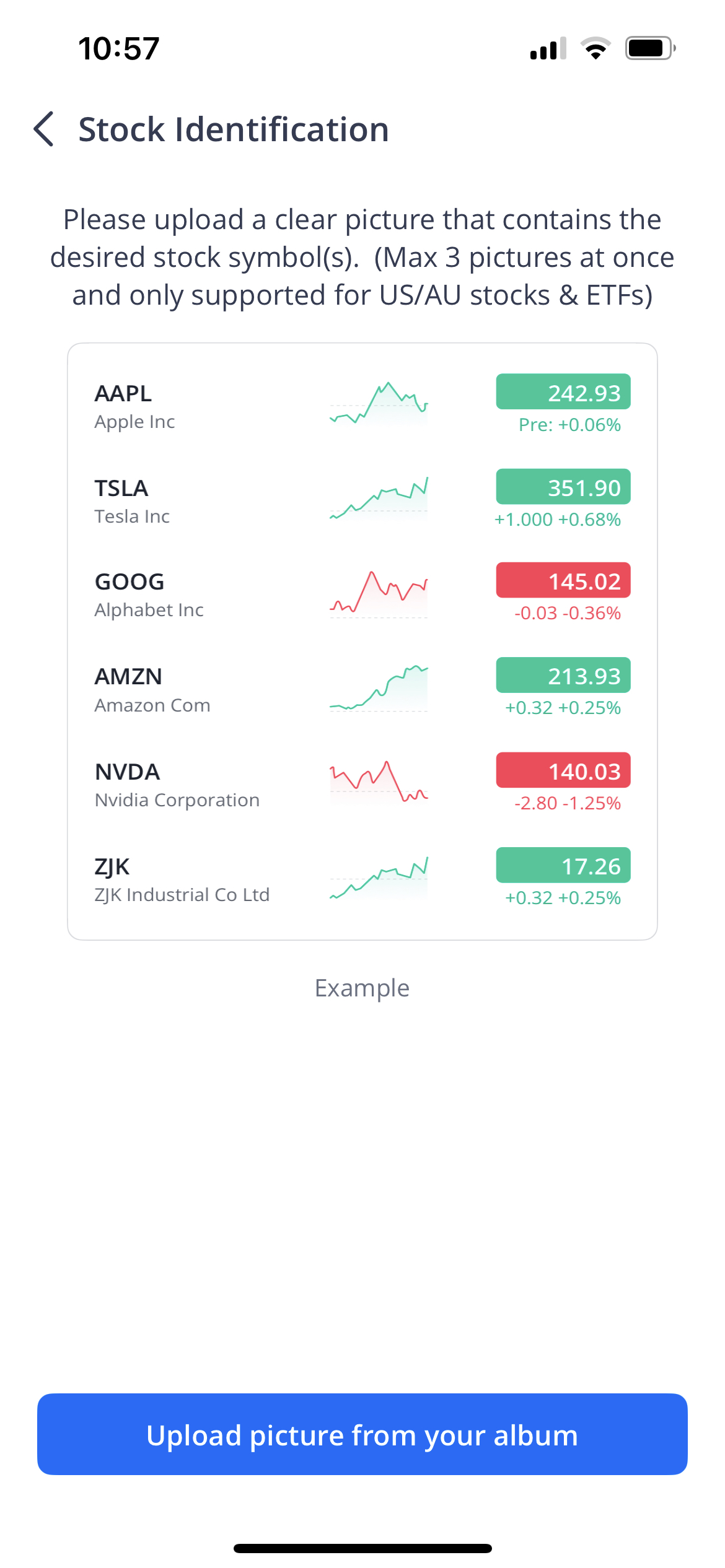
We’ve also introduced an image search feature. Simply upload a screenshot containing stock symbols, and our feature will automatically identify them, allowing you to add all of them to your watchlist with just one click.